About Training Monitor App

Built for EMS educators. Backed by MedTech. Free forever.

The Training Monitor App (TMA) is a patient monitoring simulation tool built to ensure that quality EMS education isn't limited by a program's budget.

Sponsored by MedTechKits.com, this free forever platform allows educators to transform any internet-connected device into a fully functional patient monitor.

By giving instructors real-time control over vital signs and cardiac rhythms, TMA removes the financial barriers to realistic training, allowing you to focus on what matters most: preparing your students to save lives.
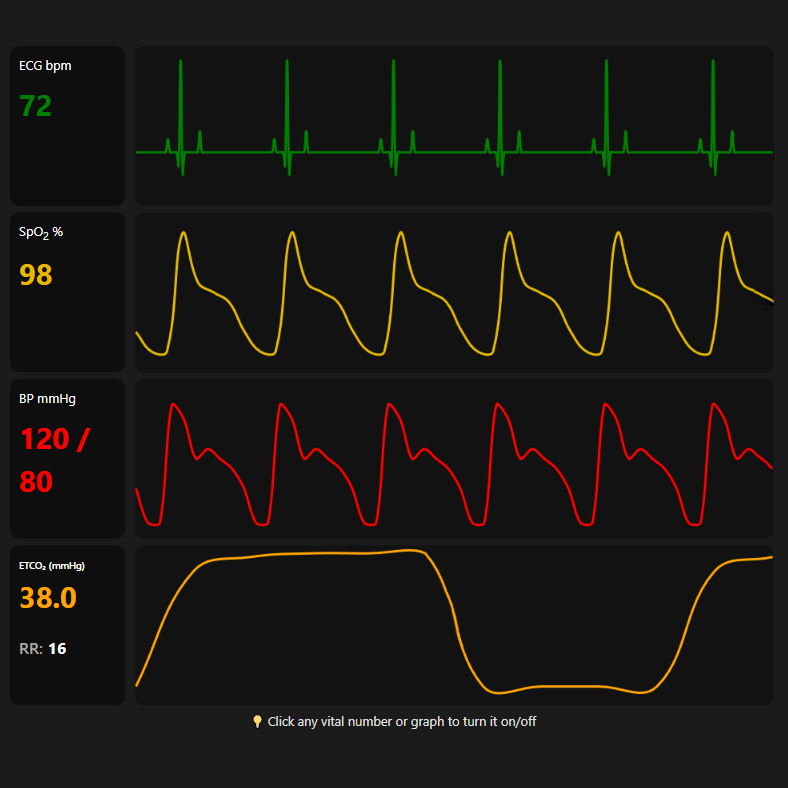
Vital Signs Monitoring Interface

Step-by-Step Setup

The Training Monitor App (TMA) is a free, web-based tool designed to turn any two devices into a professional EMS patient monitor and controller. By linking a Controller (your remote) and a Display (the monitor) through a shared Session ID, you can simulate real-time vital sign changes for medical training.

1

Start a Session

On the device you want to use as the monitor, click Display Patient Monitor. This creates your unique training session.

2

Pair Your Controller

On your second device (the remote), scan the QR code shown on the Display Monitor or enter your Session ID manually.

3

Start Simulating

Once connected, any adjustments you make on the Controller will update the Display Monitor instantly!

Pro Tip: You can connect multiple Display Monitors to a single Controller! This is perfect for classroom settings where every student needs their own screen.